Face Recognition Enrollment
Face Recognition Enrollment is the configuration workflow for managing recognition groups and enrolled people.
The screenshot below shows the face recognition enrollment page with the person form and the maintenance panel.
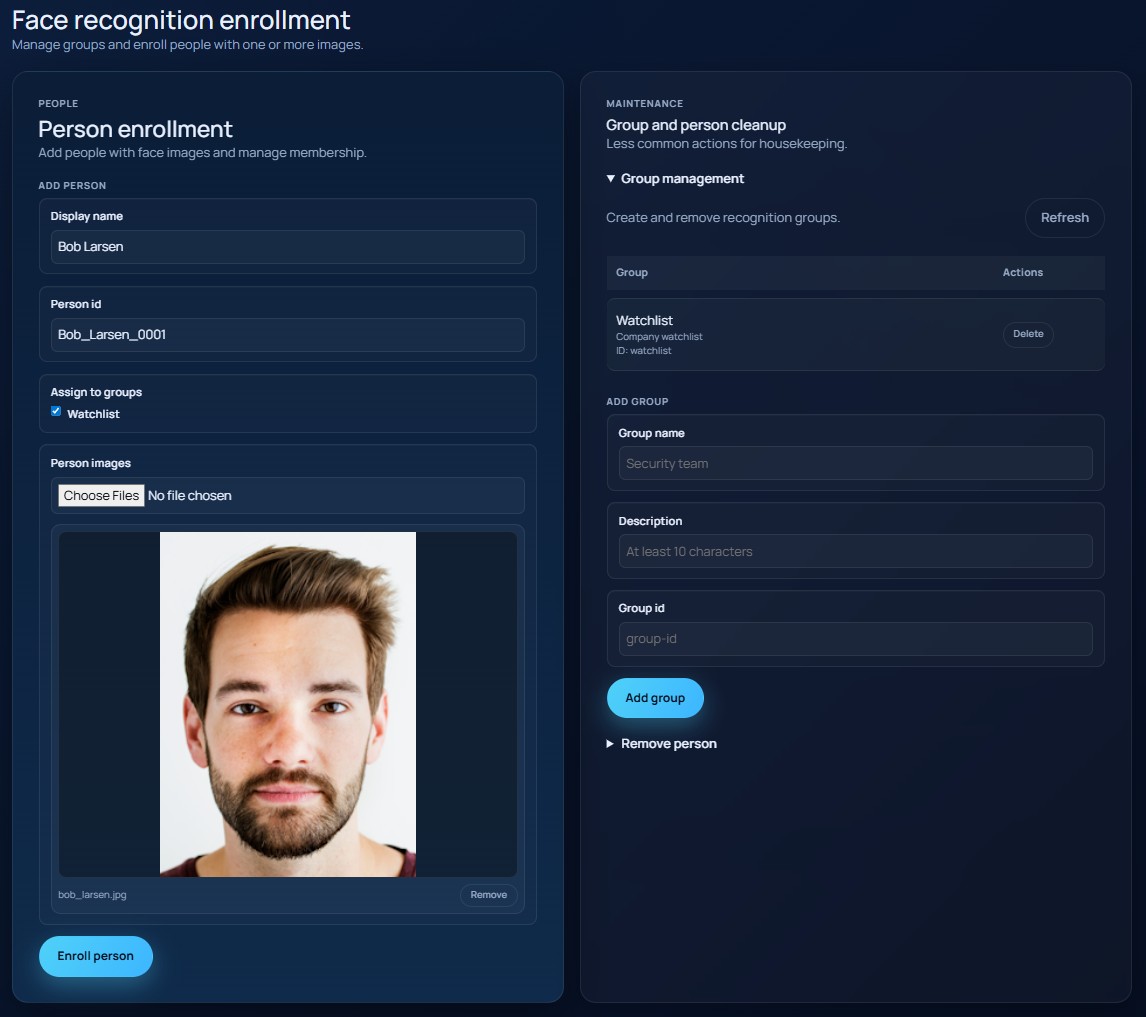
Person enrollment
The main enrollment card supports:
Display namePerson id- group assignment
- one or more face images
As you type a display name, the UI searches for existing matches. Selecting an existing match loads that person's details, including existing group memberships and saved images, so you can review or update the enrollment before saving again.
If you have not manually edited the person ID, the UI generates one automatically from the display name.
Group assignment
Group assignment adapts to the number of configured groups:
- with a smaller set of groups, the UI shows checkboxes
- with a larger set of groups, the UI switches to a filterable picker with add/remove chips
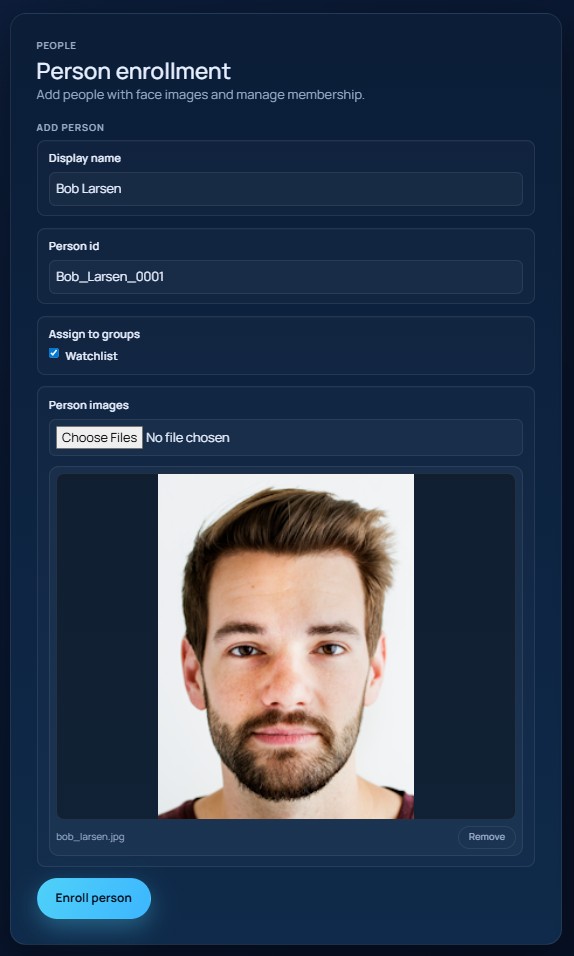
Upload one or more images before selecting Enroll person.
The screenshot below shows the person enrollment card with selected groups and image thumbnails.
Group management
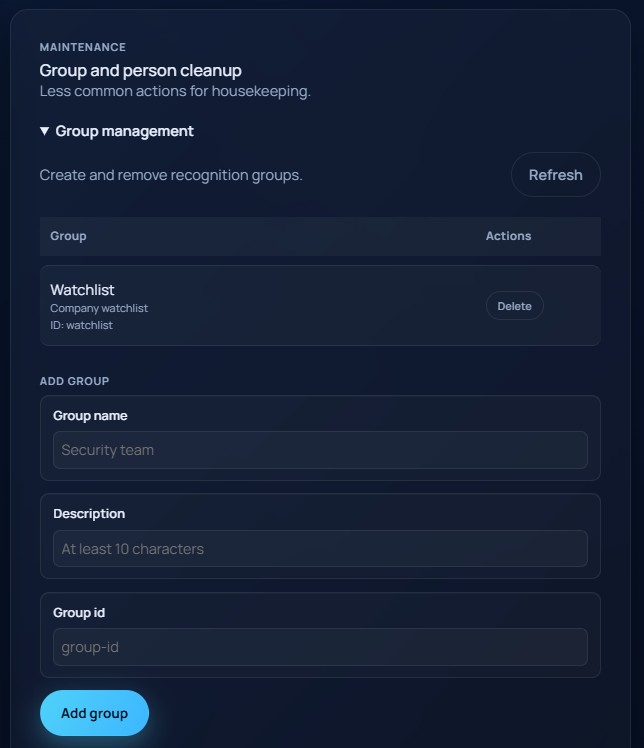
The maintenance panel includes expandable group management tools. From there you can:
- refresh the group list
- review existing groups
- delete a group
- add a group with
Group name,Description, andGroup id
The screenshot below shows the group management table and add-group form.
Removing a person
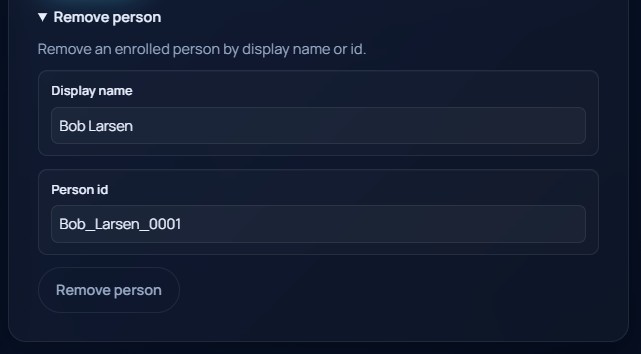
The same maintenance panel also includes person removal. You can remove a person by:
- selecting a suggested display name
- entering the person ID directly
The screenshot below shows the remove-person section with the display name lookup and person ID field.