
Start with an analytics template
Build common detections quickly with starter templates. Each template adds a fresh region and detection settings that you can adapt to the scene.
Watch the walkthrough
Section titled “Watch the walkthrough”Choose a starting point
Section titled “Choose a starting point”Open Monitor → Configure for your camera and choose Starter templates.
| Template | Use it for |
|---|---|
| Person in an area | A person remaining in a defined area for at least one second. |
| Person lingering | An individual person remaining in the area for at least 30 seconds. |
| Vehicle in an area | Vehicle activity near a driveway, parking area, or entrance. |
| Person crossing a line | A person crossing an entrance or boundary in either direction. |
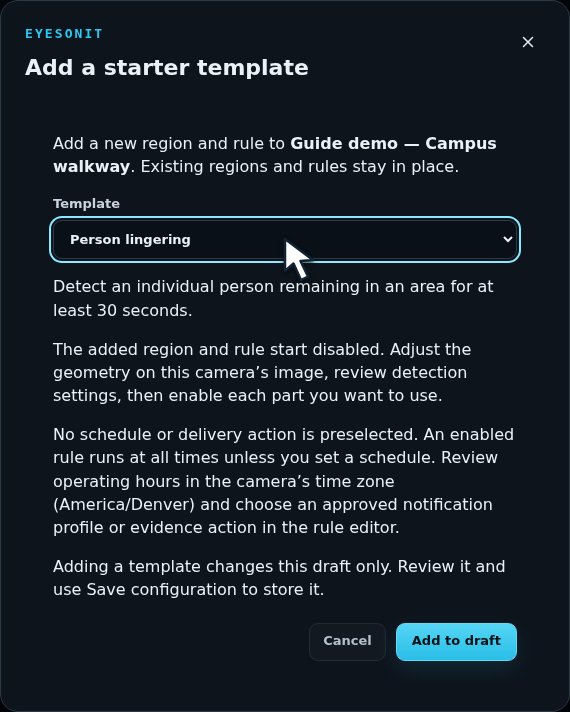
Select a template and choose Add to draft. It adds its own region, configuration, and rule. A line-crossing template also adds a line.
Fit it to your camera
Section titled “Fit it to your camera”- Move the region and any line into place.
- Review Detection, including object type and confidence.
- Review Rules, including dwell or crossing direction, reset, severity, and schedule.
- Enable the new region, line, and rule when ready. Templates start with these layers and rules disabled for review.
- Choose Save configuration and test the event in live or recorded video.
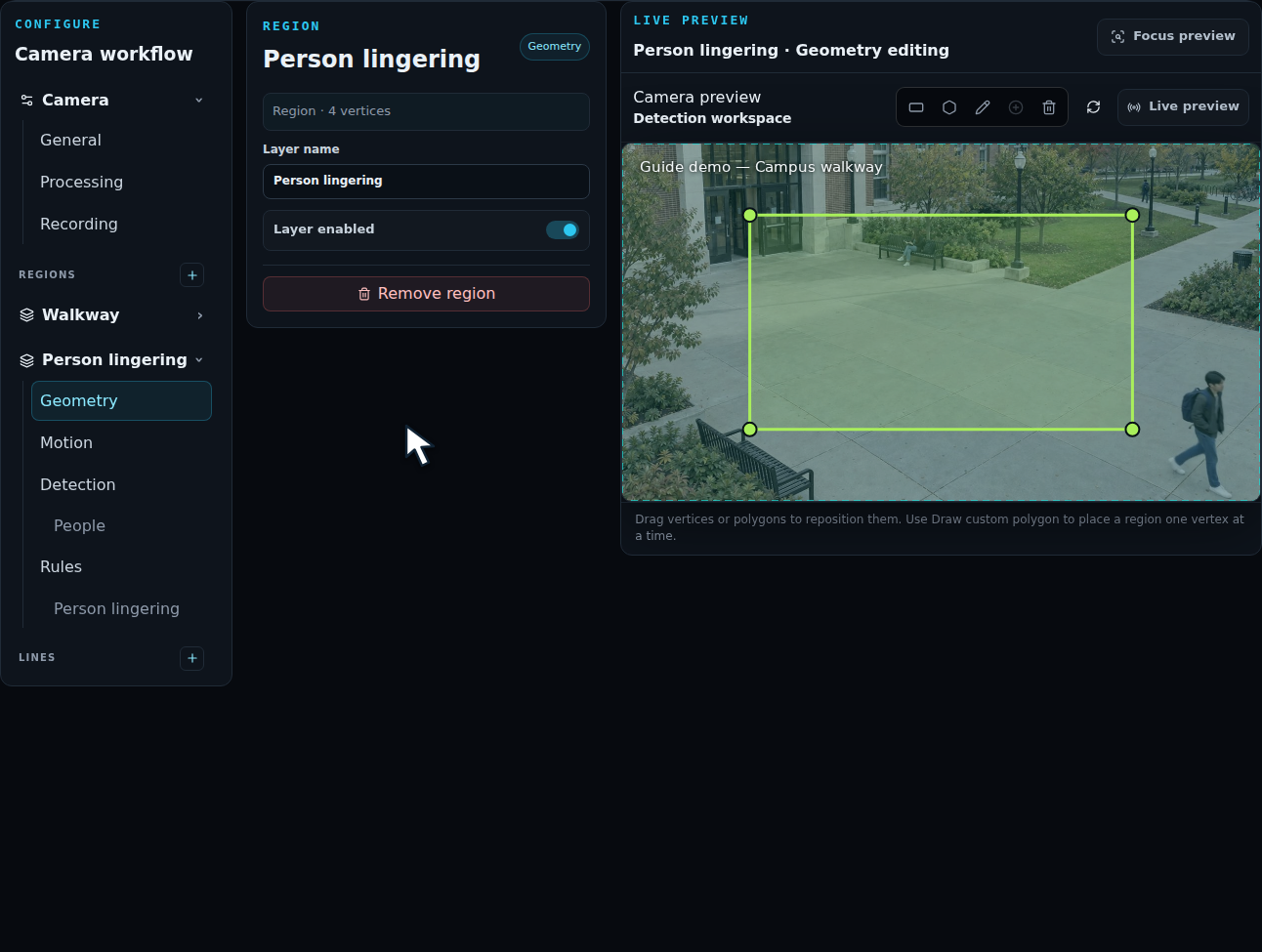
Use a descriptive region and incident name so operators can recognize the event. Add notification actions after validating the detection. To transfer a reviewed configuration between servers, use camera export and import.